


Today, we’re starting to test Instagram for TV, which brings reels from your favorite creators to the big screen so you can enjoy them with friends. We heard that watching reels together is more enjoyable, and this test will help us learn which features make that experience work best on TV.
Instagram for TV is available now in the US on Amazon Fire TV devices, and we’ll expand the app to more countries and devices in the future.
How to Get Started
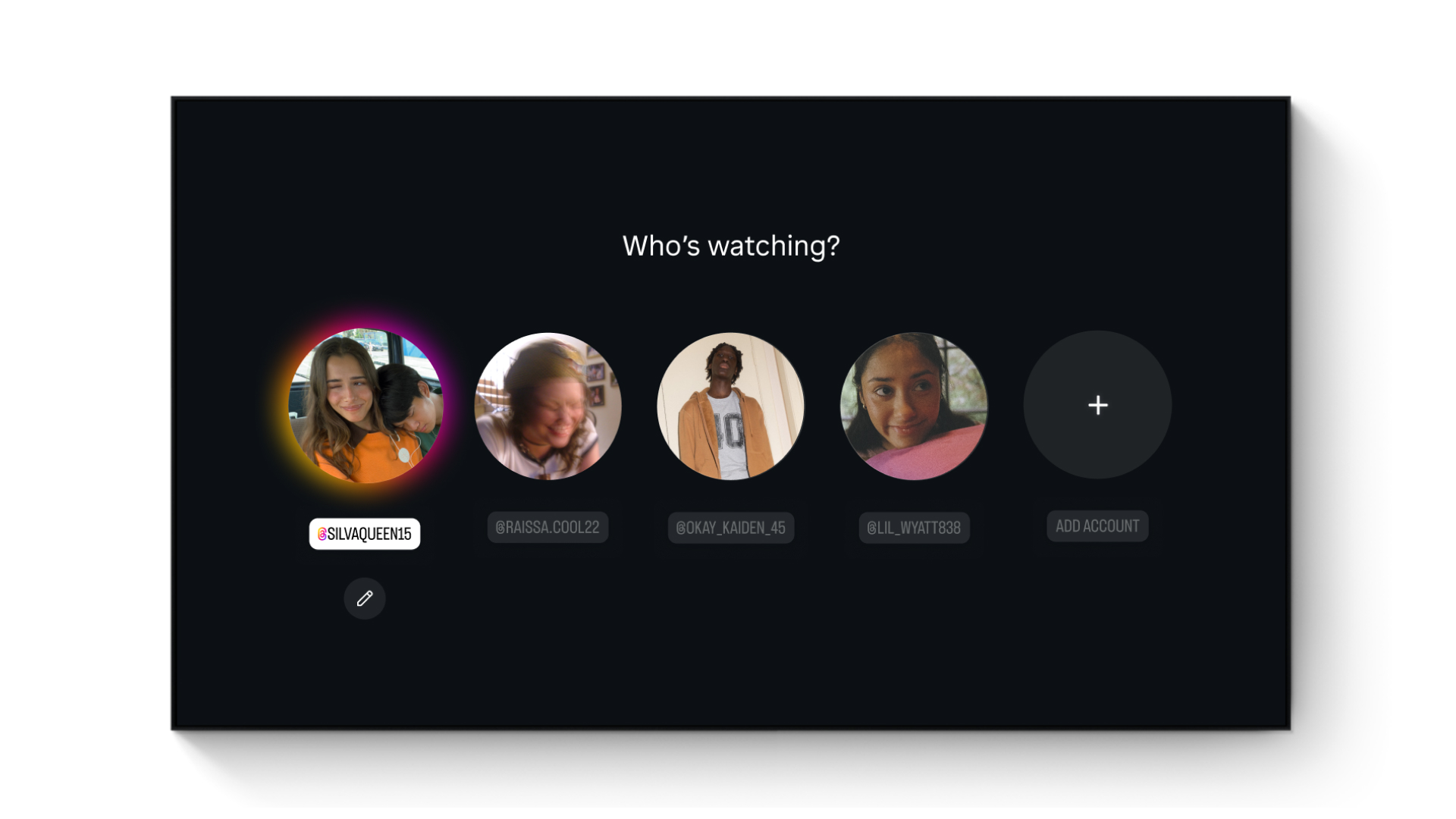
First, install the Instagram app on your Amazon Fire TV and sign in to your account. You can also set up Instagram for TV through the Settings and activity menu in the mobile app. You can add up to five accounts on Instagram for TV, so everyone in your home can enjoy a personalized way to watch reels. You can also create a separate Instagram for TV account that isn’t linked to your profile in a few simple steps.
Explore Reels in Channels
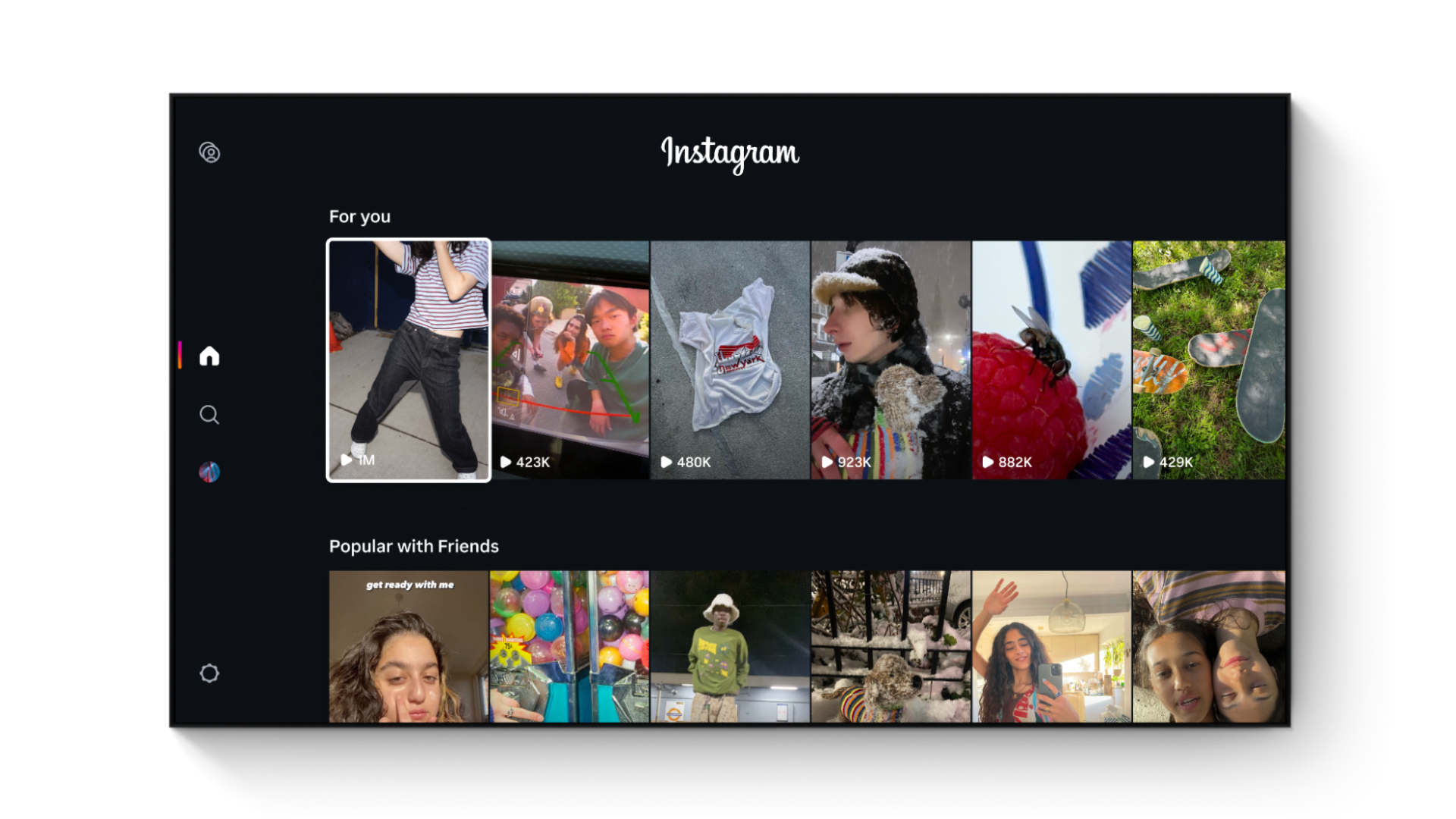
When you log in, reels will be grouped into channels that match your interests, including new music, sports highlights, hidden travel gems, trending moments, and more. Once you select a reel, you can kick back and relax as more reels play automatically with full sound without having to scroll for what’s next.
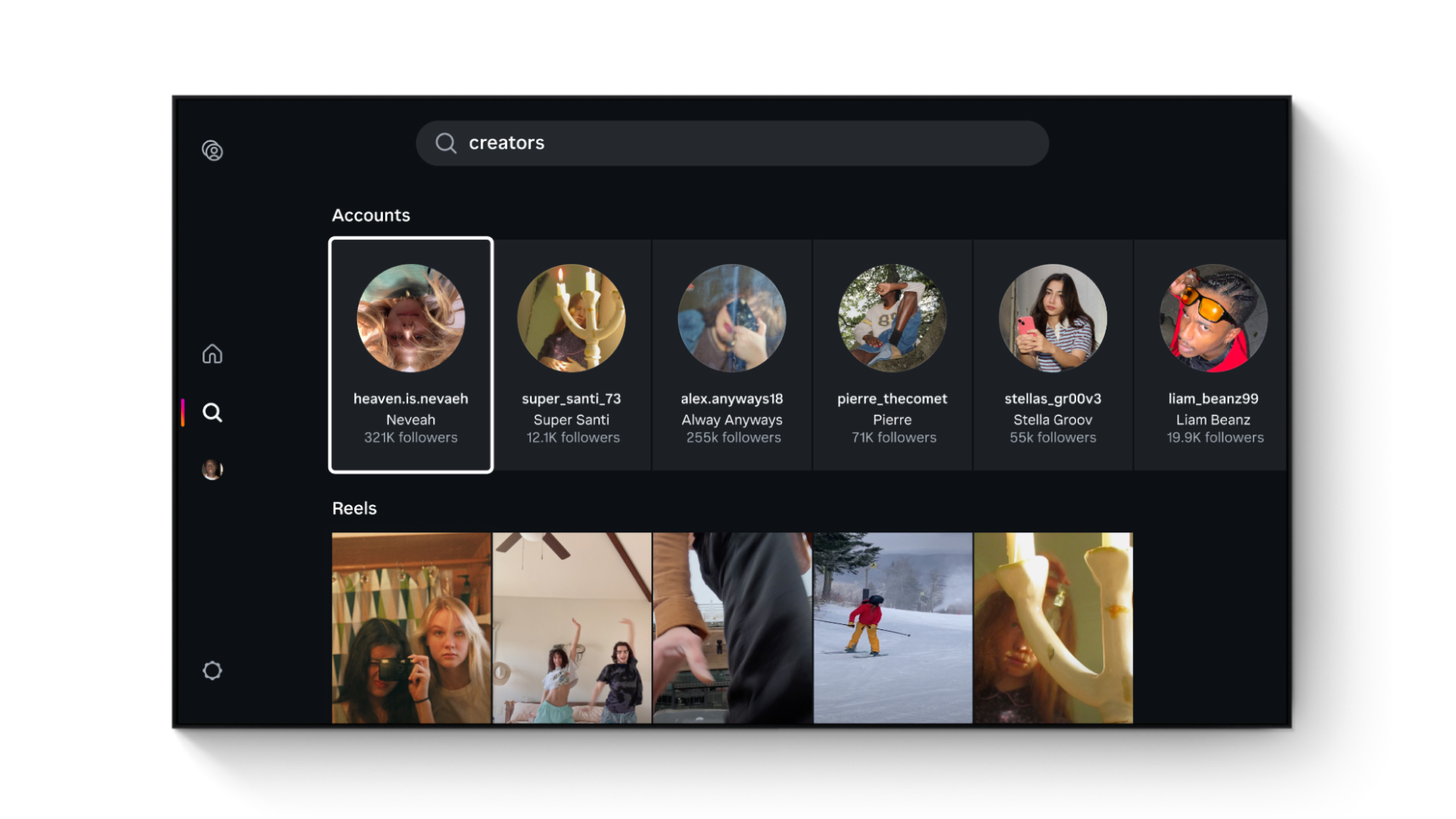
Over time, we plan to introduce new features to the app, like using your phone as a remote to browse, different ways to channel surf, shared feeds with friends, and making it easier to keep up with your favorite creators in one place.
Applying Safety and Content Standards
Instagram for TV is built for shared viewing, so we apply content standards suitable for a broad audience. In this test, Reels generally follow the PG-13 rating system we recently introduced on the mobile app, so you’ll see content similar to what you might see in a PG-13 movie.
For teens, Instagram for TV is intended to reflect the same general safeguards that are available on the Instagram mobile app. This includes limiting access to content, comments, and profiles that may be unsuitable for people under the age of 18. Time spent on Instagram for TV contributes to a Teen Account’s usage limit alongside their mobile app usage, and teens may receive the same reminders about approaching or reaching those limits or Sleep mode.
We’re learning and planning to improve Instagram for TV based on your feedback. Download the app on an Amazon Fire TV device today.